On this page
- Keep evidence as the work takes shape
- Save your starting point
- Record the tool’s role
- Show your revisions
- Keep track of your creative choices
- What U.S. guidance says about AI-assisted work
- How copyright and dated evidence work in Canada
- Write an accurate contribution statement
- Preserve dated versions
- A deposit records evidence; it does not create copyright or make material protected if it would not otherwise qualify.
- Before you share your work
- Make your process easier to explain
- Sources
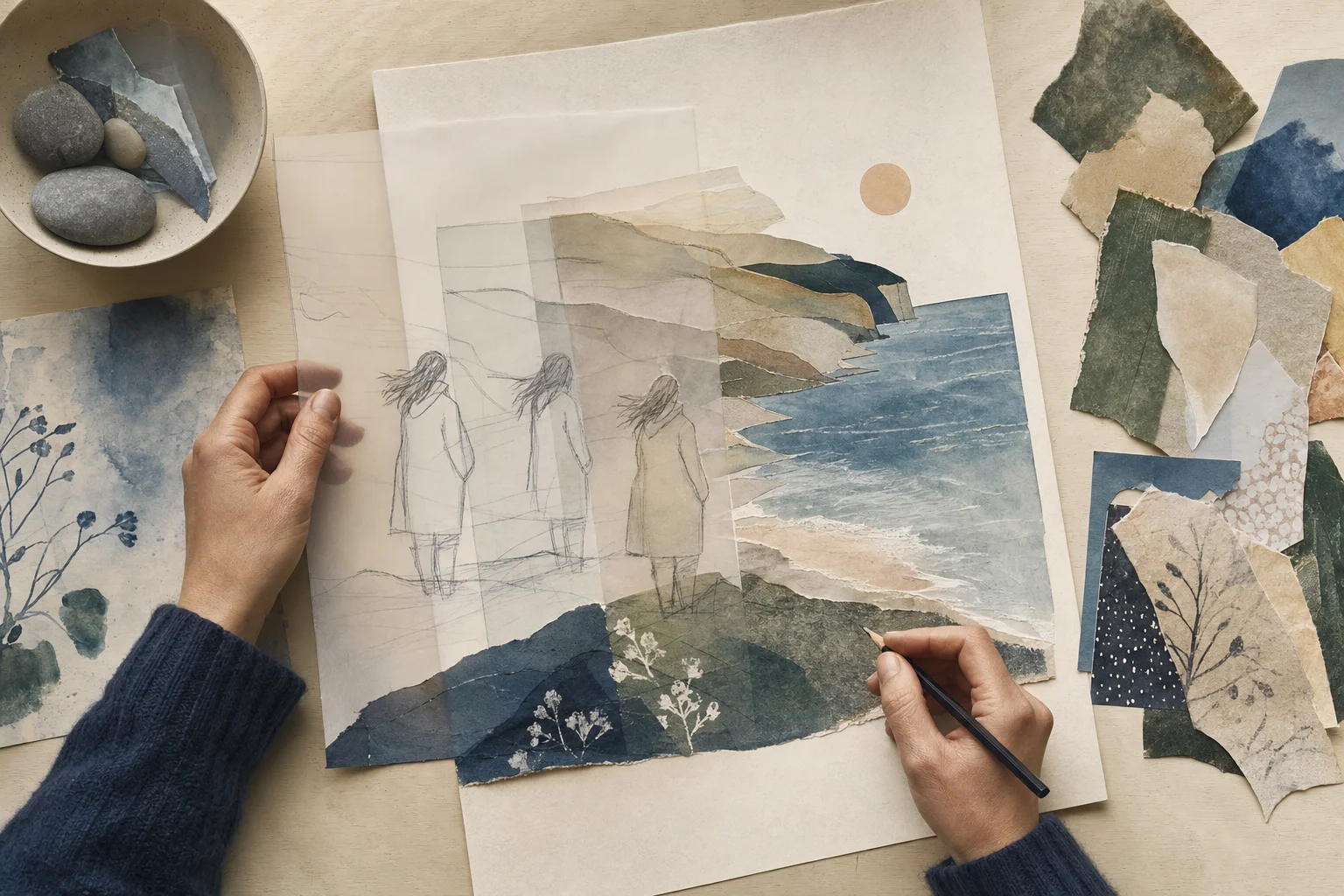
Working files and dated versions can help show how your creative choices shaped the finished work.
A finished image, article or presentation may not reveal which parts you made, what an AI tool supplied or how you shaped the result. Keeping a clear record as you work can help explain the difference.
Preserve your original expression, relevant AI outputs and the changes you make. That record can help you show what you contributed and when a particular version existed.
Keep evidence as the work takes shape
Save your starting point
Set up a project folder before you begin using an AI tool. Keep your original text, sketches, photos, recordings or other materials in their original formats, with readable copies if helpful.
Separate your own work from reference materials and other contributors’ work. For a poster, for example, save your hand-drawn figure separately from the written brief and any reference images. Note who created each item.
Keep relevant prompts, uploaded materials, outputs and settings. Where available, note the tool or model version and session date. Save copies of files rather than relying only on links in an online account.
Describe what the tool did accurately, such as proposing wording or generating a background. If an earlier exchange is missing, record that gap rather than trying to recreate an exact transcript.
Show your revisions
Save a version before you edit and another afterwards. Tracked changes can capture writing revisions, layers can show image work and editable timelines can preserve audiovisual changes. Add short notes about your own interventions.
Be specific: “Rewrote the closing dialogue and changed the narrator’s perspective” explains more than “improved the text.” For an image, note which forms you redrew, objects you moved or textures you added. Distinguish manual edits from changes made through another AI generation. The number or size of edits does not guarantee copyright protection.
Keep track of your creative choices
Save representative alternatives and note what you selected, rejected or combined. Preserve the editable final composition so the arrangement and relationships between its elements can be seen.
For a poster, you might keep layout sketches, candidate backgrounds and the layered file showing how you placed your figure. This documents your process; it does not mean every selection or arrangement necessarily qualifies for copyright protection.
What U.S. guidance says about AI-assisted work
In a 2025 report, the U.S. Copyright Office explained that using AI, or including AI-generated material in a larger human-created work, does not automatically prevent protection for qualifying human contributions. It identified potentially protectable contributions such as original input that remains visible in an output, creative modifications, and sufficiently creative selection, coordination or arrangement. That does not make the underlying AI-generated material protected.
The report says prompts alone, considering the generally available technology it examined, do not provide sufficient expressive control. Simply selecting a generated result is not necessarily the same as creating a composition. Whether a contribution qualifies depends on the particular case.
For official registration with the U.S. Copyright Office, its guidance calls for disclosure of AI-generated material and an explanation of the human contribution. AI-generated content that is more than de minimis must be excluded from the claim. This is U.S.-specific guidance and does not determine outcomes under Canadian law. A deposit with Scopyright.ca is separate from official U.S. registration.
How copyright and dated evidence work in Canada
In Canada, copyright protection for an original work begins automatically when it is created; no formality is required. Copyright protects the expression of an idea, not the idea itself.
A deposit does not create copyright. It can provide evidence of authorship and show that a work already existed on a particular date. Keeping that evidence can matter if a dispute arises; whoever proves the earlier date has the edge.
Write an accurate contribution statement
At important stages, write a short account of the project, version, contributors, relevant dates, AI-generated components and your own expressive additions.
Connect each point to a specific file or location, such as a paragraph, layer, scene or audio segment. Point to where your own material appears in the finished version. Do not describe the entire work as exclusively human-created if that is inaccurate. If you write the statement later, distinguish its preparation date from the dates of the events it describes.
Preserve dated versions
Consider depositing important milestones, such as your original input, a substantially revised draft and the final composition. Include your contribution statement and an index of the supporting files.
Keep the dated certificate with the exact files deposited. Save later revisions as new versions instead of replacing earlier records. A dated deposit can support your account of authorship and chronology, but it does not prove the precise moment creation began.
A deposit records evidence; it does not create copyright or make material protected if it would not otherwise qualify.
Before you share your work
- Keep your original materials and identify their creators.
- Save relevant prompts, outputs and tool details.
- Retain versions that show your edits.
- Record selection decisions and preserve the editable composition.
- Write an accurate contribution statement tied to specific files.
- Keep dated certificates with the versions they document.
Protect your work with a dated deposit through Scopyright.ca. It can help you keep evidence of your authorship and when the deposited version existed; it does not create copyright.
Make your process easier to explain
You do not need to record every click. Focus on an organised set of materials that connects your starting work, meaningful changes and final composition. A clear, dated record can help you describe your contribution without claiming more than the evidence supports.
Sources
Article written with the assistance of AI. General information, not legal advice.